Helping low-income entrepreneurs manage AI agents from their phone

Executive Summary
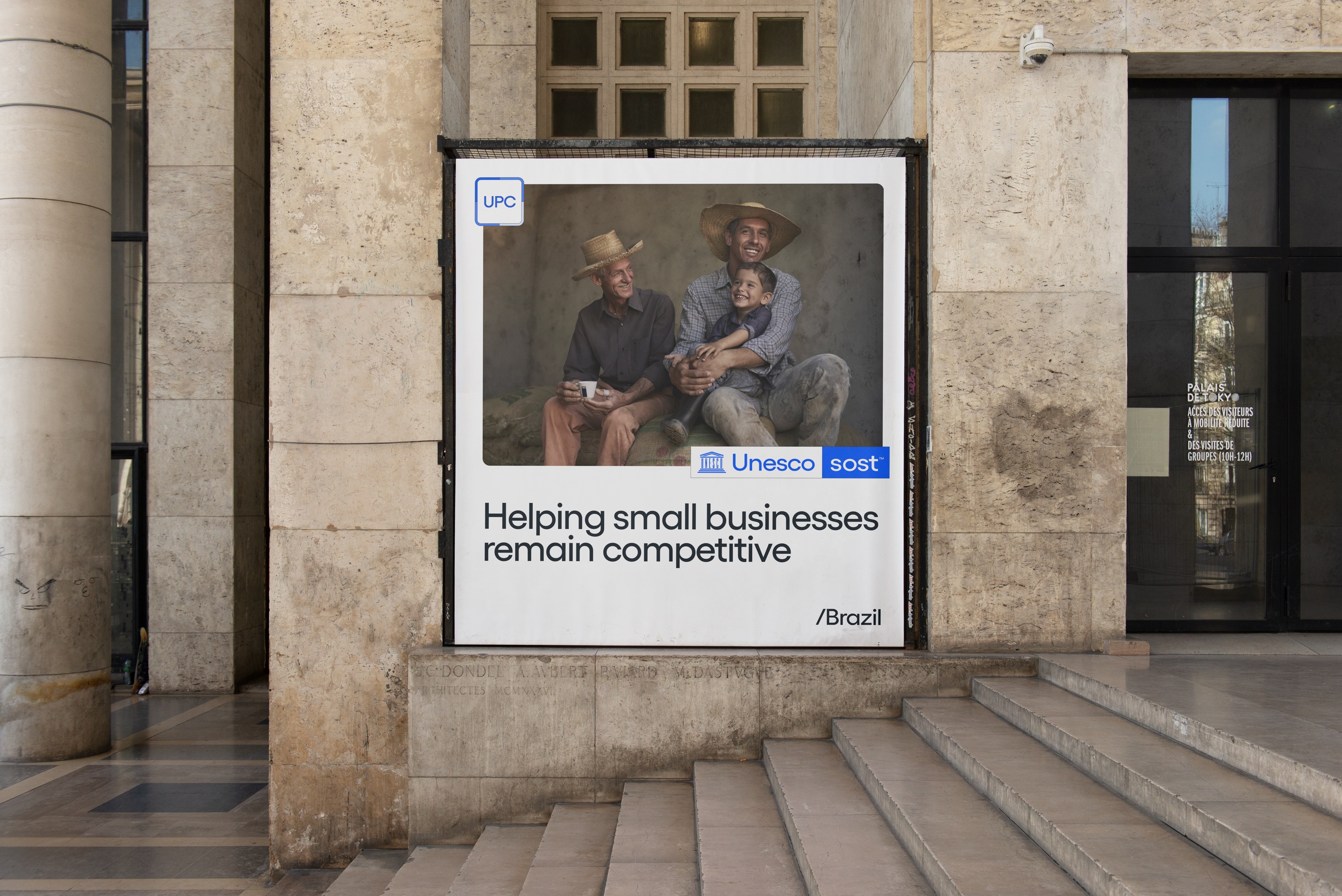
Unesco designed a platform for low-income entrepreneurs to manage AI agent workflows. The focus was on helping them follow regular tasks with minimal human input.
As a product designer, I was responsible for the design system and initial prototype.
- RITE Rounds
- +12
- Entrepreneurs Impacted
- 10,230
- Retention Rate (90-day)
- +47%
Problem
Low-income entrepreneurs struggled to deploy agentic workflows for recurring tasks.
- Formal Education42% did not complete high school and 7% were functionally illiterate
- Informal Workflows74% managed their business primarily through WhatsApp
- AI AdoptionOnly 6% used an AI agent to complete a business task
Research
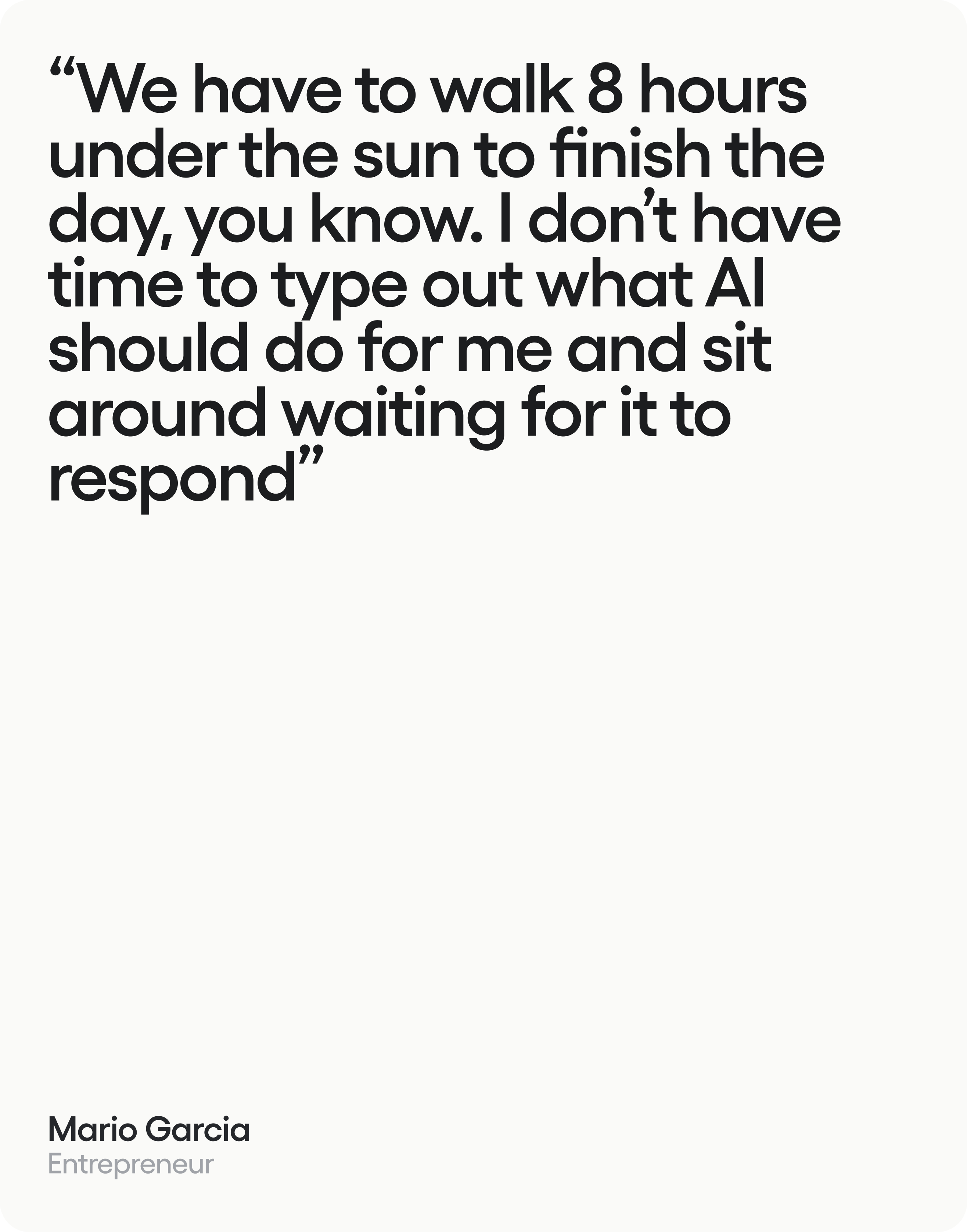
I conducted 50 interview sessions with our target audience.
My objective was to understand what made AI agents difficult to manage during their daily work:
Struggled to track their agents’ progress and know when they needed to step in
86%Wanted to delegate recurring business tasks without dealing with multiple chats
84%Wished their AI agents required less prompting
46%
Customer: Good morning. I’m ready whenever you are.
Moderator: Good morning, Rafael. Imagine you want help answering customer messages. Where would you start?
Customer: I’d open this agent. It says customer service, so I think this is the right one.
Moderator: Go ahead. Talk me through what you’re looking at.
Customer: There’s a space to describe my business. Can I explain it by speaking instead?
Moderator: What would you expect to happen when you press that button?
Customer: I’d tell it what customers usually ask. Then I’d want to check the answers before anything gets sent.
Moderator: And where would you look to see how the agent is doing?
Customer: Here, where it shows the tasks. I’d look for anything waiting for me to review.
Moderator: Thank you. Let’s pause here and look at that together.
Design Process
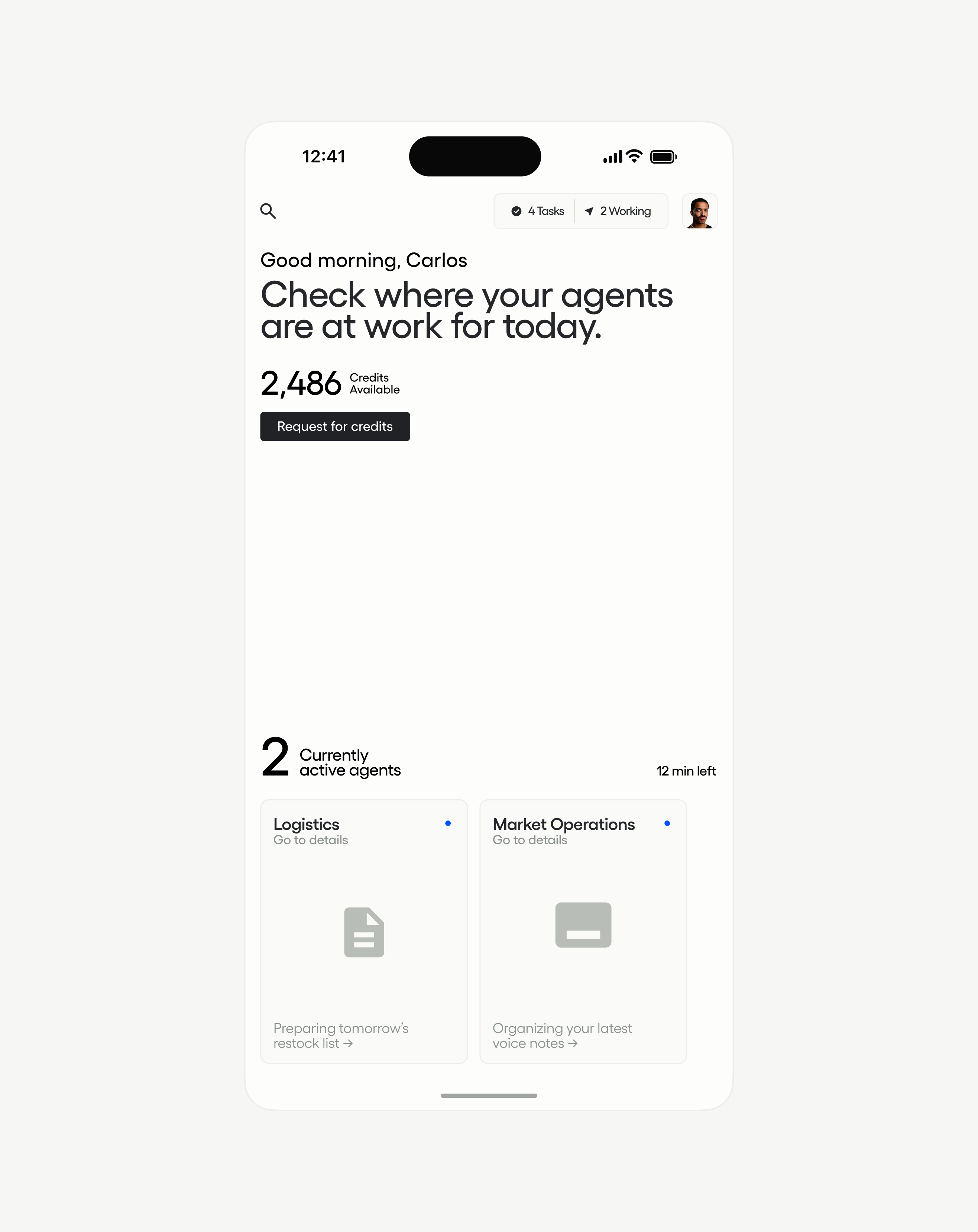
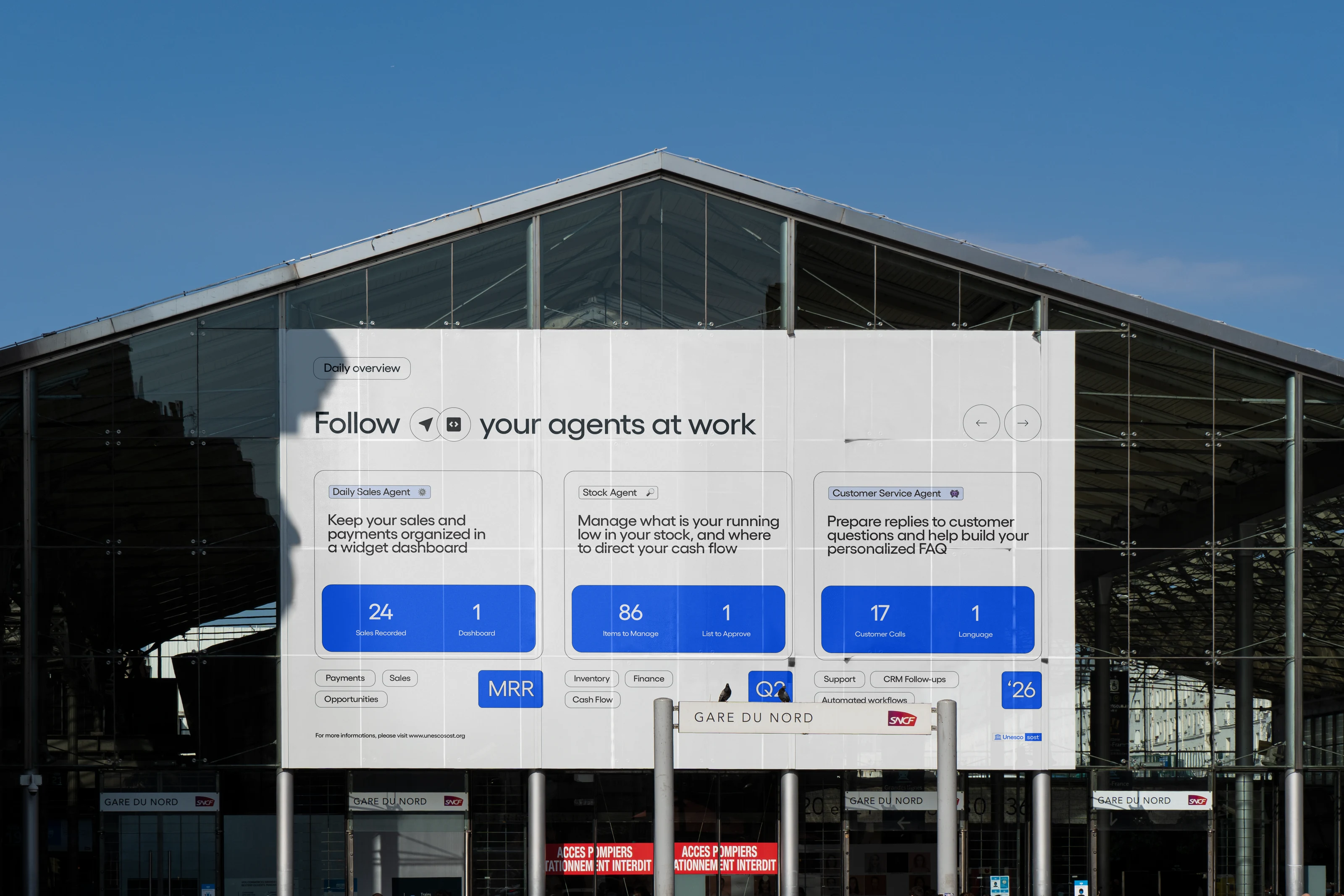
I designed a dashboard for following agent workflows from a phone.
My design process focused on talking to users throughout usability testing rounds, rapidly implementing their feedback into our product experience.
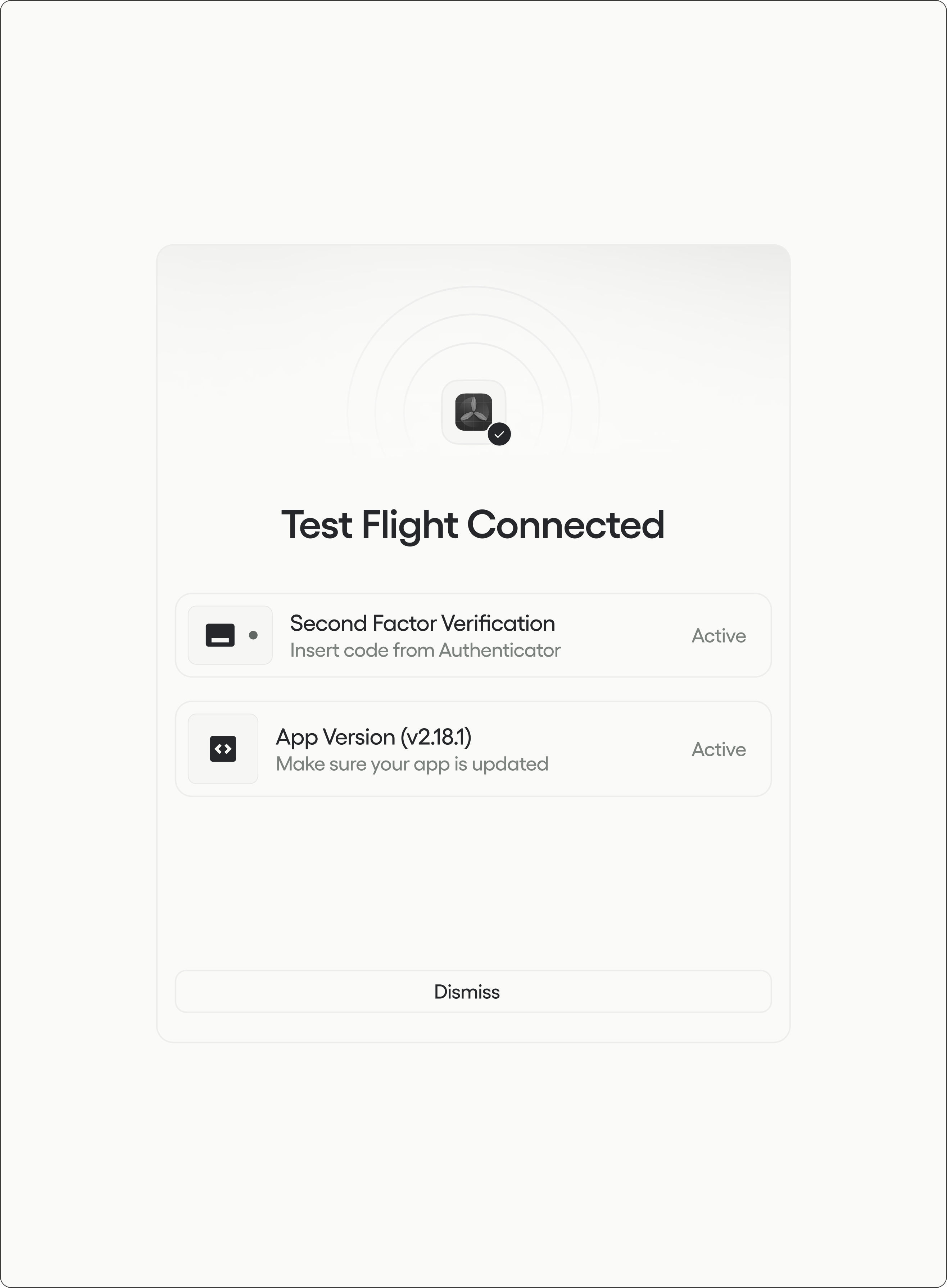
Monitoring workflows: I designed a monitoring screen so entrepreneurs could follow their agents’ workflows from their phones. The goal was to make progress clear without checking each conversation.
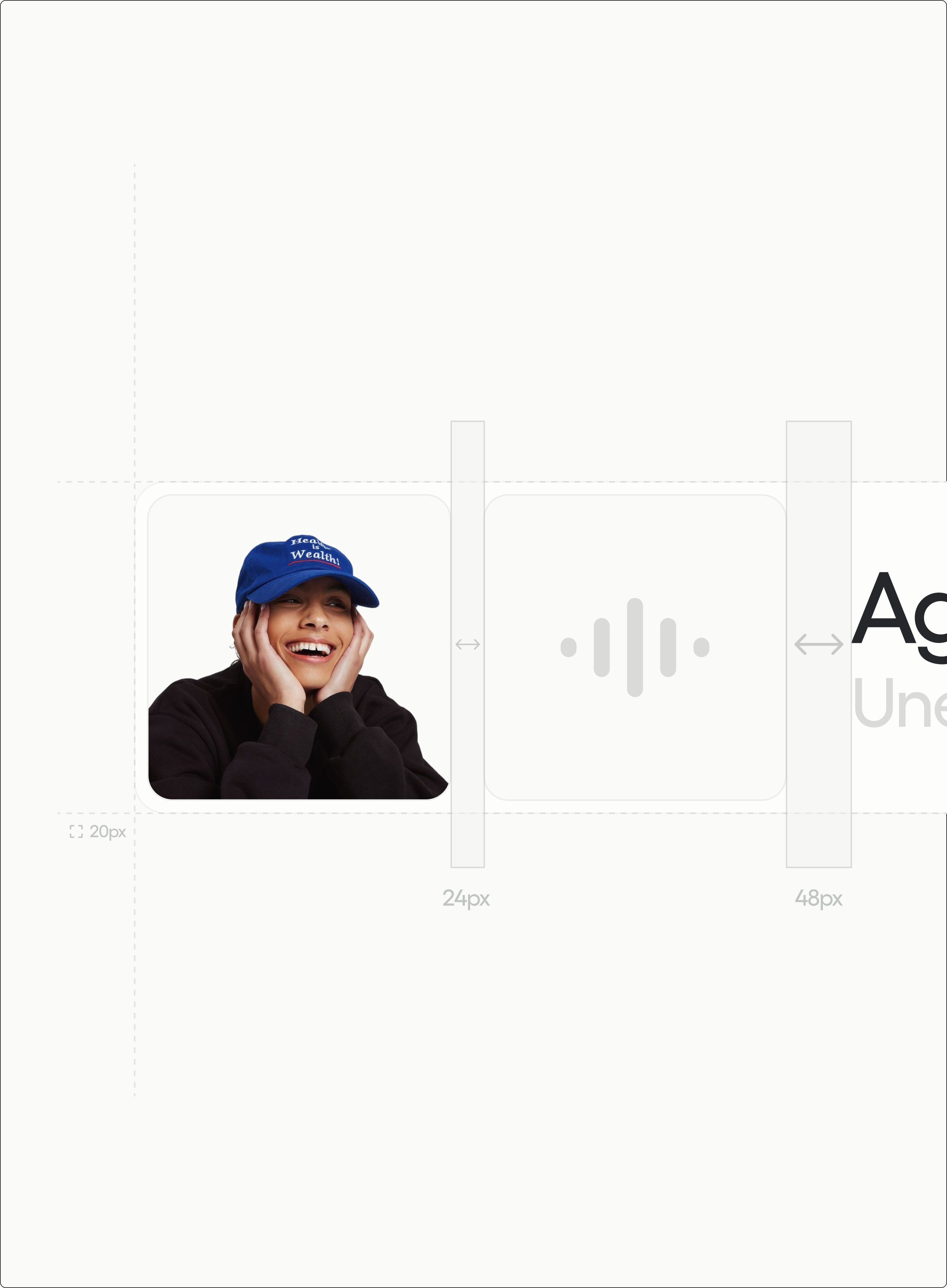
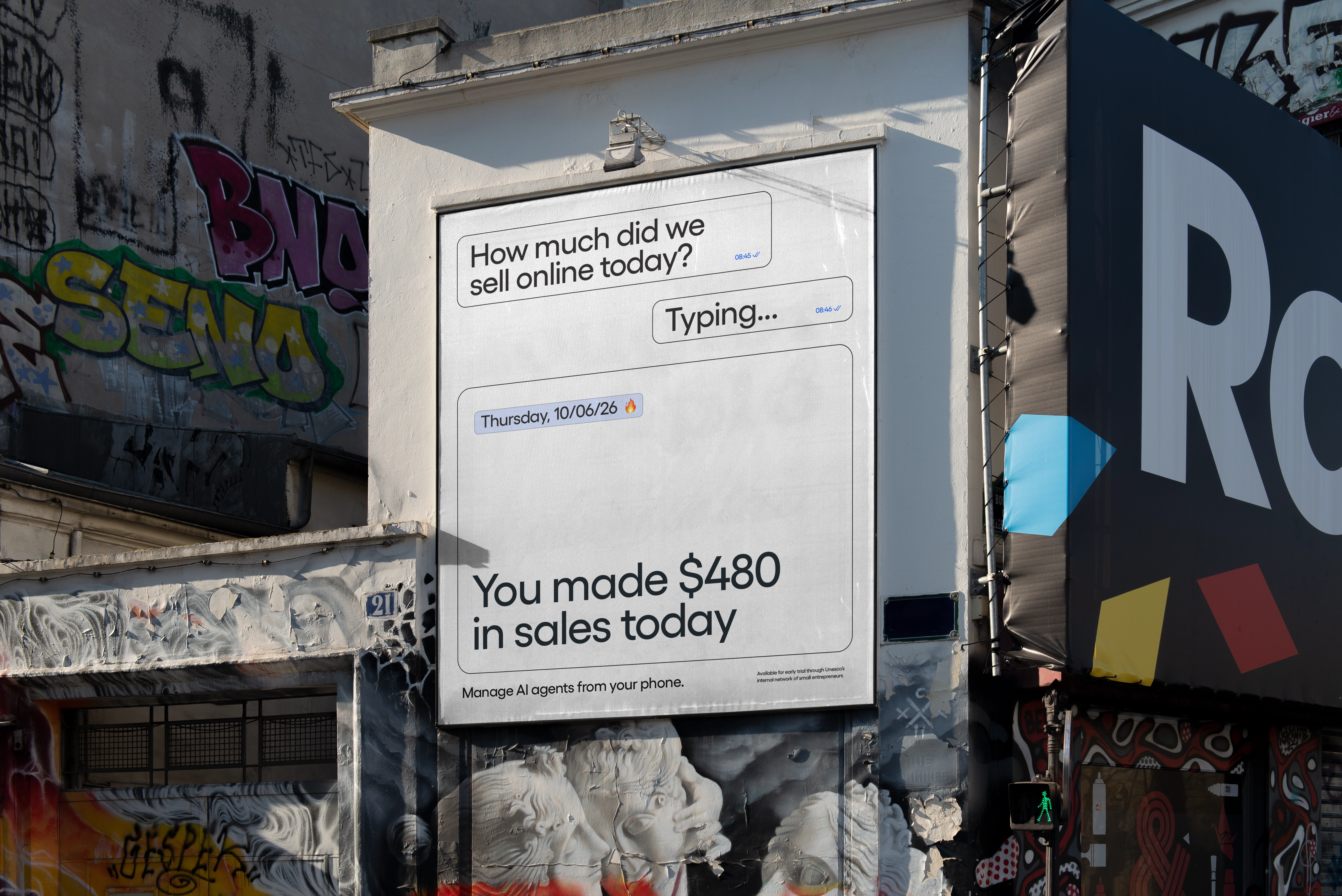
Round 0Voice interactions: Users struggled to describe their business problems through written prompting. I experimented with replacing it with a voice call format. Retention rates increased by 21%.
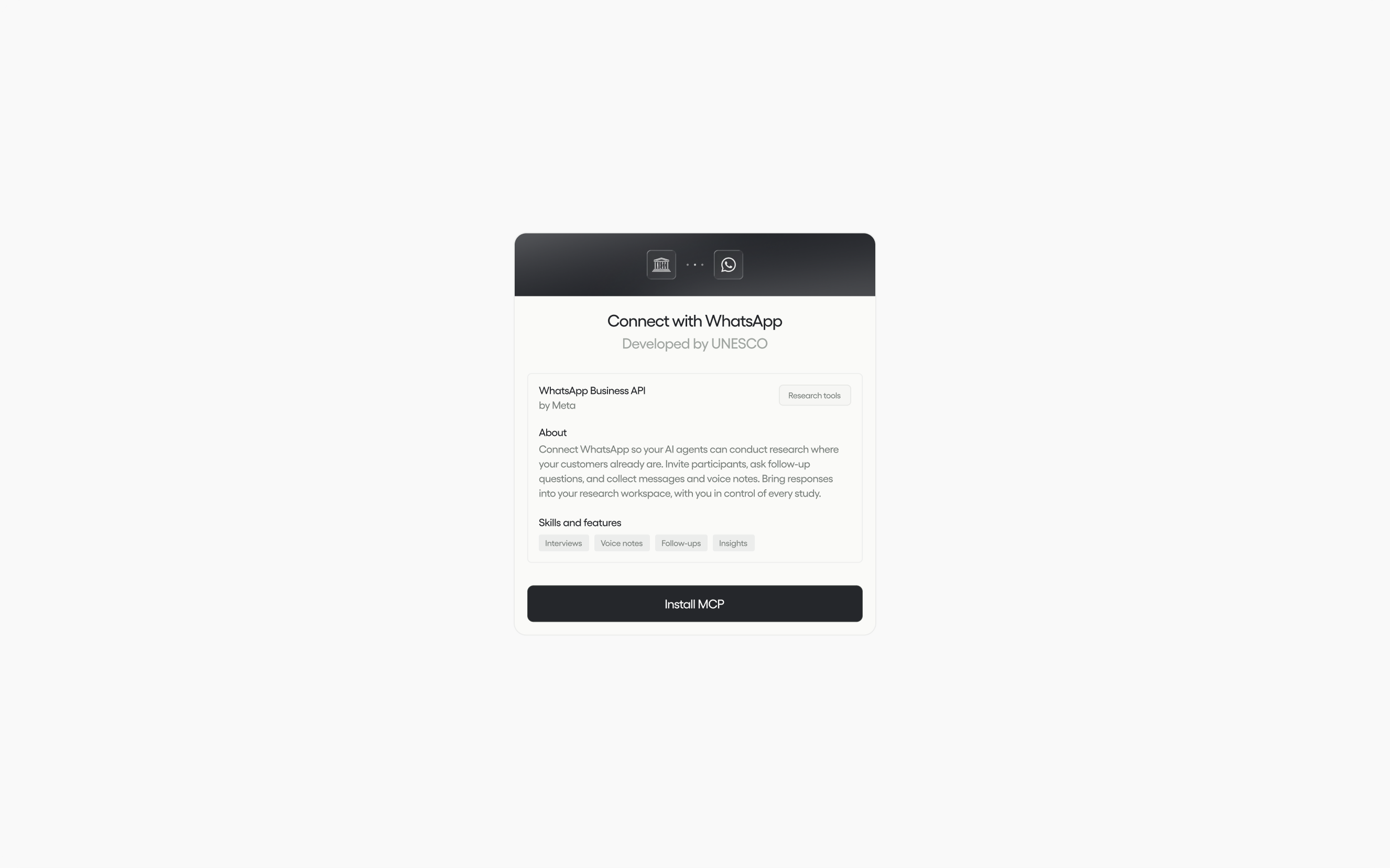
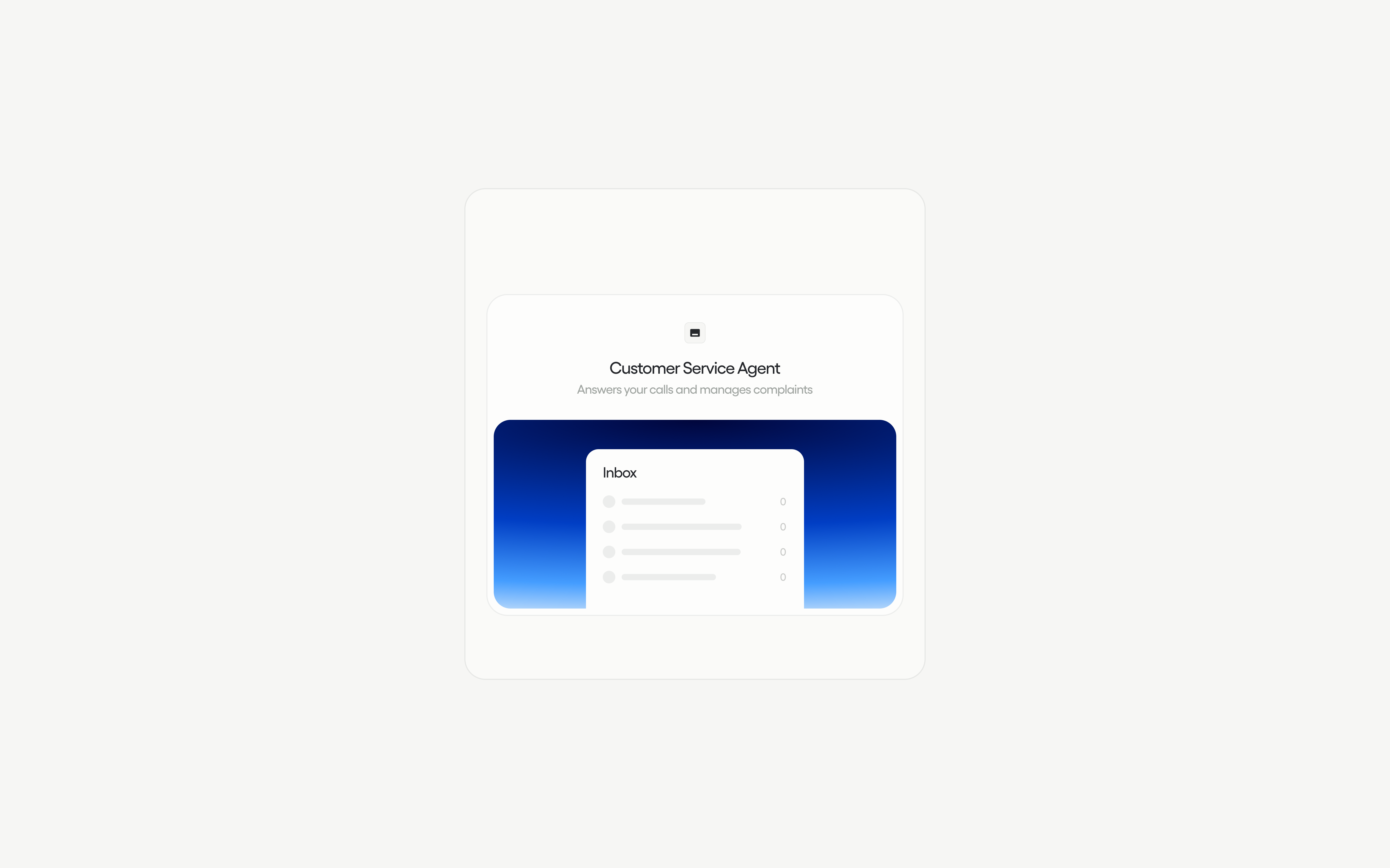
Round 1Reusable agents: I introduced workflow templates for common topics, such as customer service. We also added a community page, where users could share their agents.
Round 4
Results
Our goal was to help low-income entrepreneurs manage recurring business tasks from their phones.
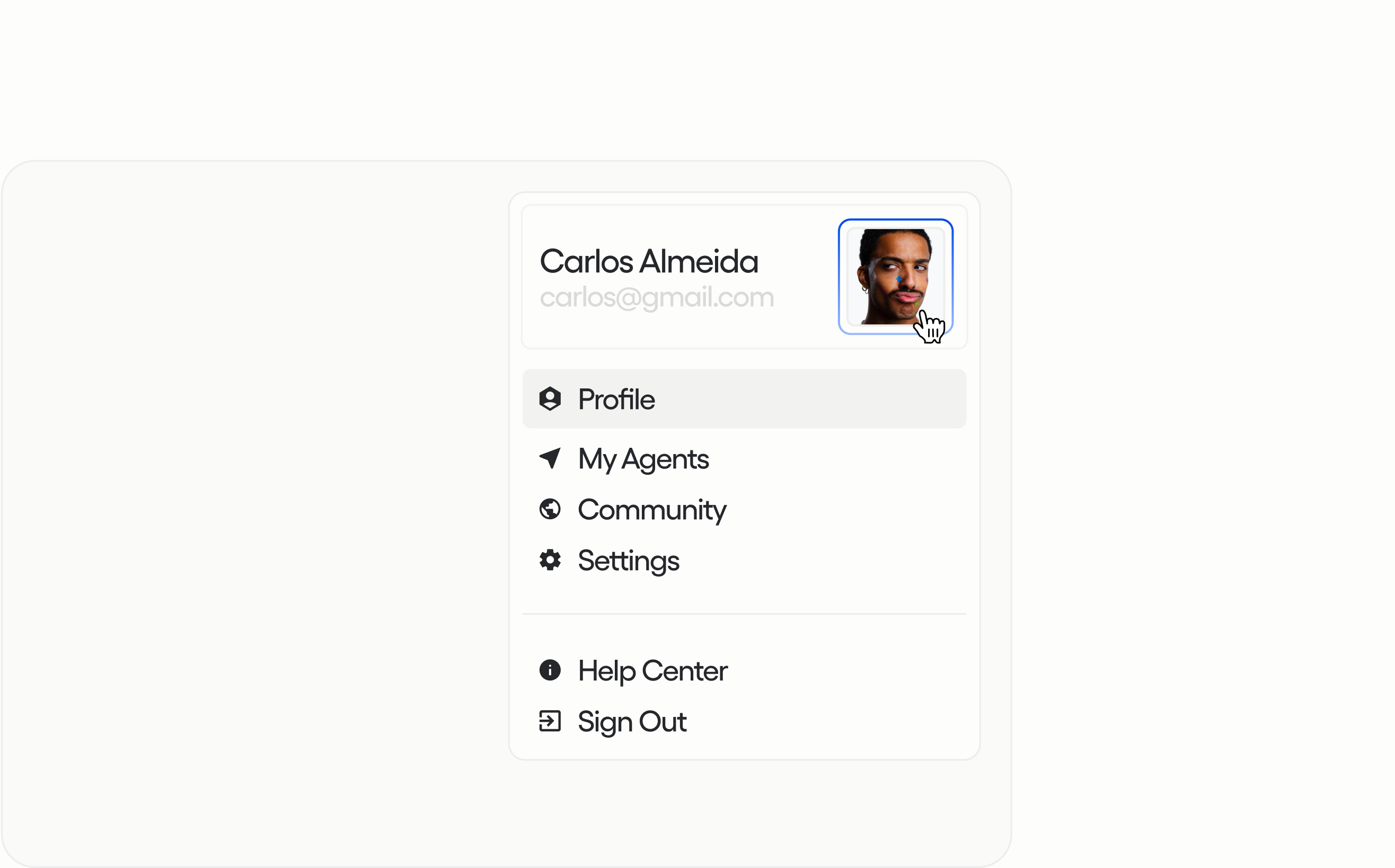
The final prototype combined voice input, reusable workflows, and a dashboard for following agent progress. Users could delegate tasks and check back on the work from one place.
- Net Promoter Score
- +24%
- Session Retention
- +47%
If you’ve come this far,Let’s grab a virtual coffee
For new projects, partnerships, and collaborations, contact me via e-mail.
julio@uni.minerva.eduCredits
- Julio CaggianoCreative Direction
- Natalia MontibellerExecutive Member
- Alex LimaExecutive Member
- Brandon TavaresExecutive Member
Reflection
Many of the solutions are rather simple in technical terms, such as having a wrapper that utilizes all of the commercially available AI models to deploy agents or connecting a voice call with ChatGPT's voice mode to give a personality to agents when calling users. That's why we were laser-focused on shipping a Minimum Lovable Product, and that's what allowed us to ship fast and quickly gather insights on what actually works. For instance, I was often reminded that making AI accessible also meant reducing the effort of managing it.
Users needed to explain a task once, reuse that setup, and just broadly understand how it was working in the background. That ultimately became the focus of the solution space: helping entrepreneurs get more done without having to guide their agents through every step.